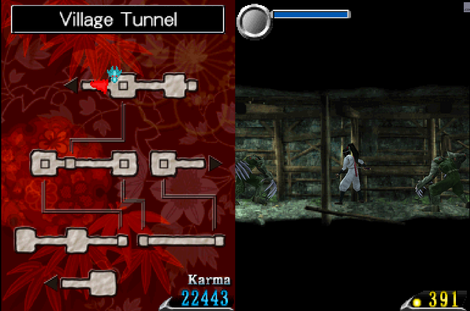
Ninja Gaiden: Dragon Sword (2008, Team Ninja)
melonDS 0.8 July 1st 2019, by Arisotura
- ...We just pushed a hotfix release. This should fix broken 3D rendering with OpenGL, namely for AMD/Intel GPU users.
melonDS 0.8 May 31st 2019, by Arisotura
It's been awaited for so long, and finally, by popular request, here it is: melonDS 0.8, with OpenGL renderer and upscaling!
The OpenGL renderer
This renderer is an attempt at targeting a sweet spot of, say, 90% compatibility while being fast. If you have read the previous posts about the DS GPU and how quirky that thing is compared to your average GPU, you guess that perfect rendering with OpenGL isn't going to be possible, but we can do our best. The current renderer supports most of the DS GPU features, but not all of them. There is room for improvement, but certain features will just not be implemented.
Upscaling
The OpenGL renderer is enabled by default, but you can go to the video settings dialog to configure it. Namely, this renderer supports increasing the internal resolution to up to 8x the native resolution. Note that changing the internal resolution does not change the window size, you will need to take care of that. However, changes from the video settings dialog apply instantly, so you can compare the various settings and select the one you like best.
Take note that the 0.8 release is a bit of an experiment. Basically, we tested it before release to ensure the OpenGL renderer will work, but we can't cover every setup that exists, so it is likely that there will be issues arising either from crummy programming on our part, or from crummy OpenGL drivers. So, if you have any issue with this, let us know!
Changelog
- fix CP15 init during direct boot
- do not apply delays to cart transfers when the WR bit is set
- misc fixes
- OpenGL renderer and upscaling
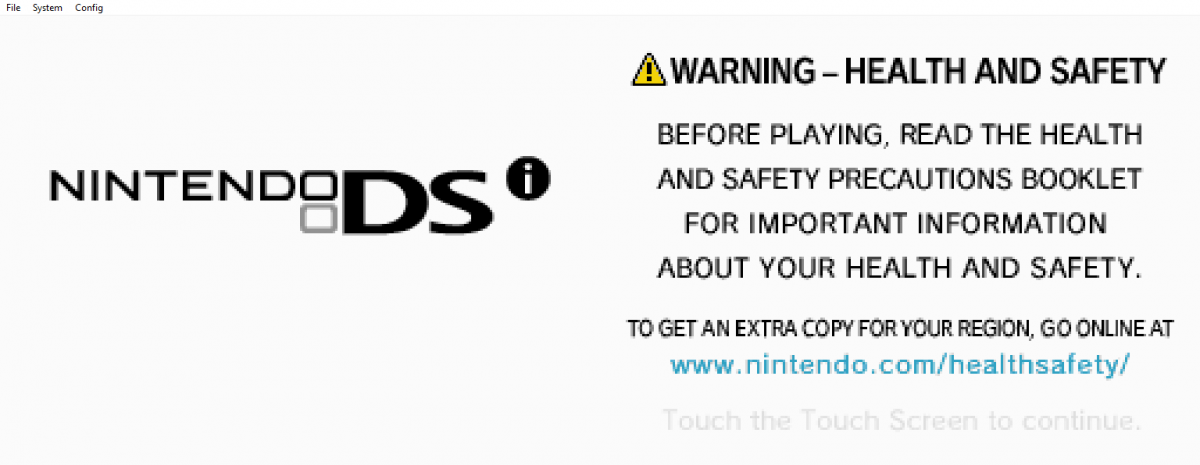
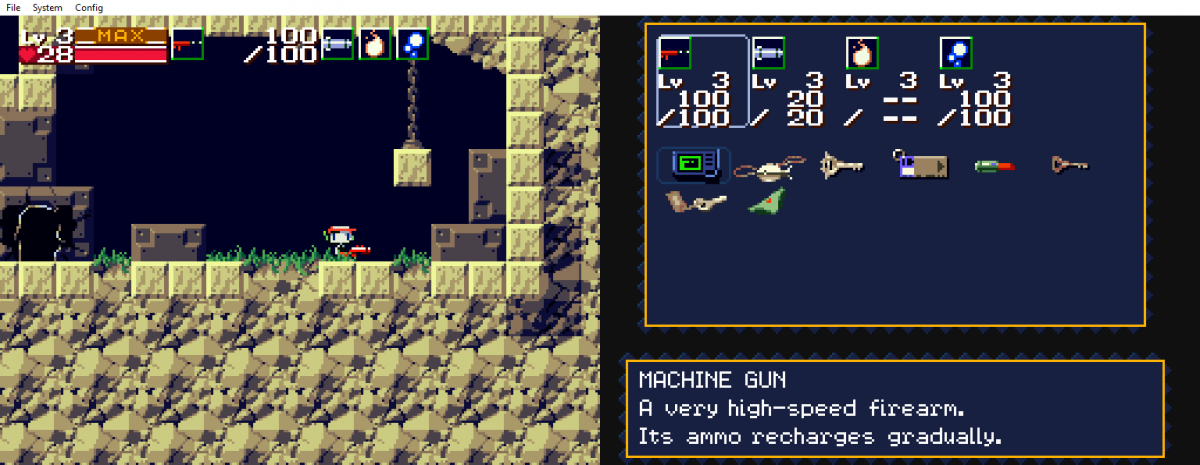
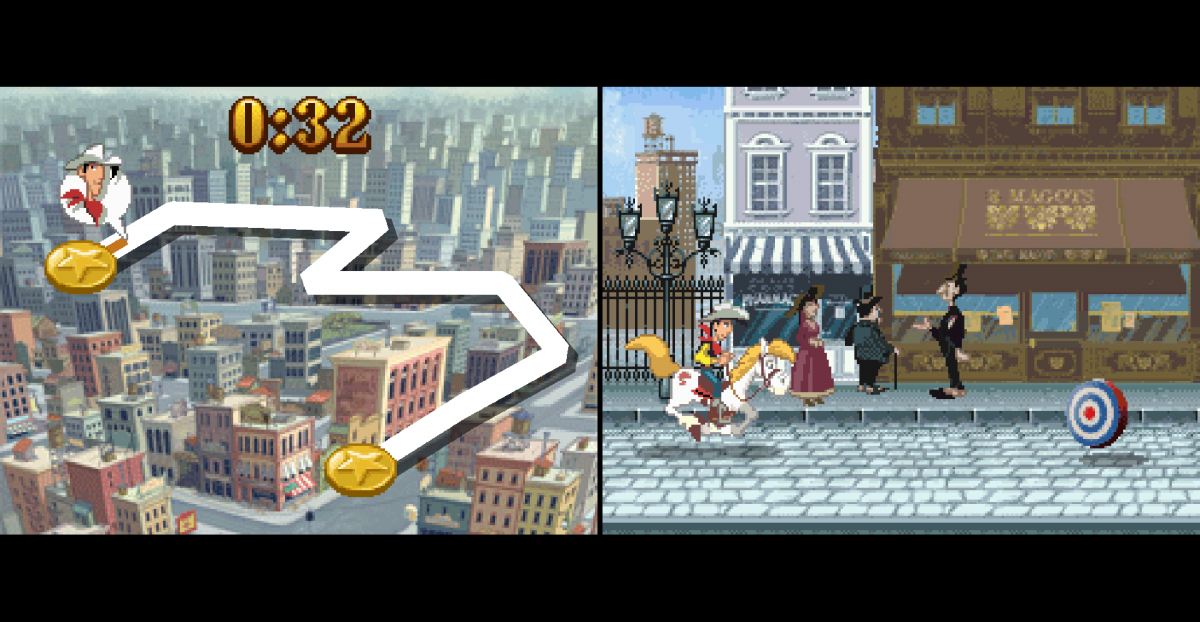
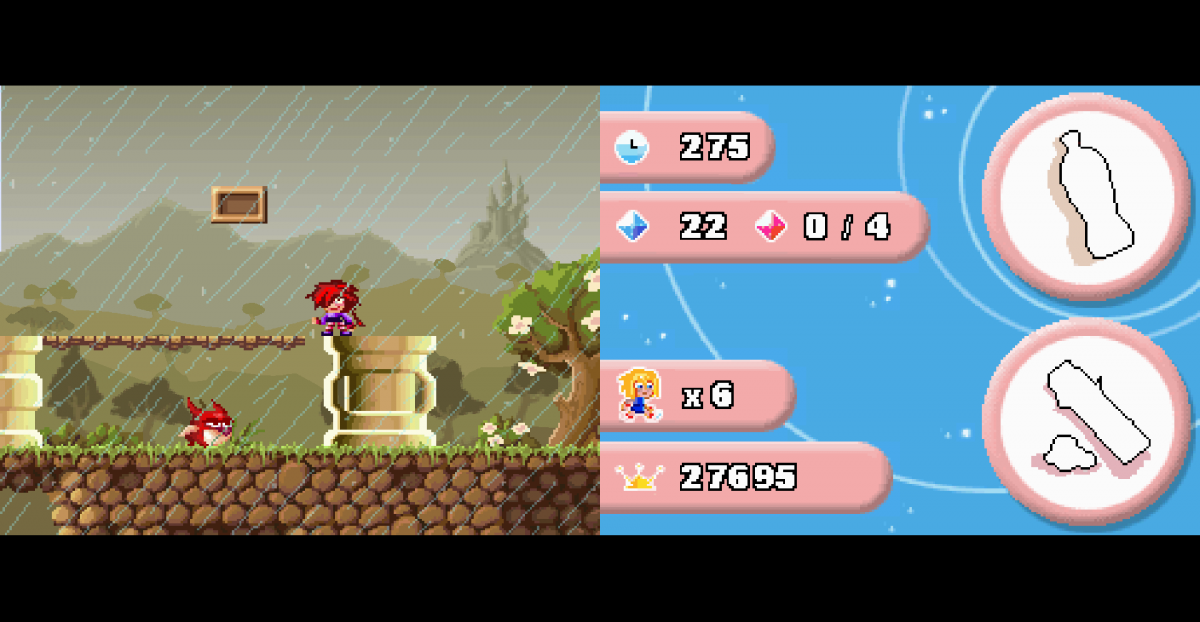
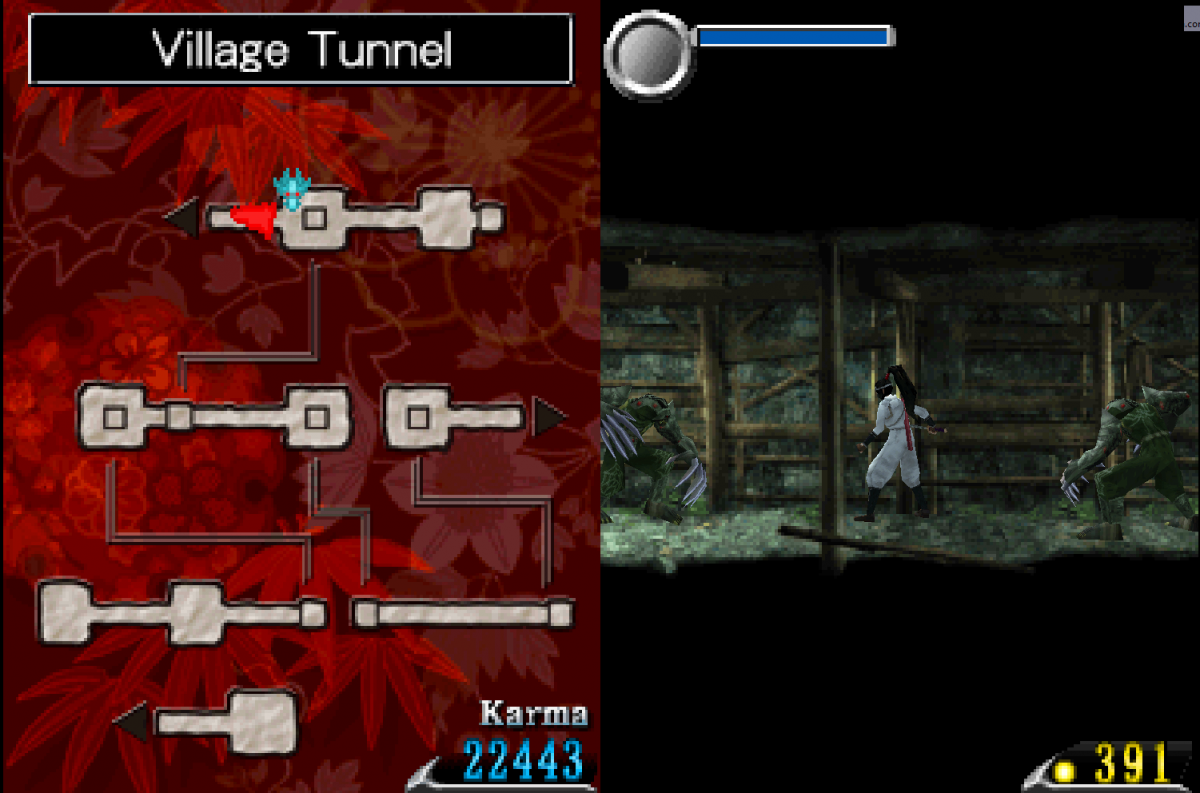
 melonDS, a Nintendo DS emulator.